Web Preview
Overview
The Web Preview interface is where you build and review web projects in CraftApp. It pairs a browser-accurate live preview with the AI chat panel, so you can navigate your app exactly as a visitor would while the AI builds it.
Interface Layout & Components
1. Top Bar
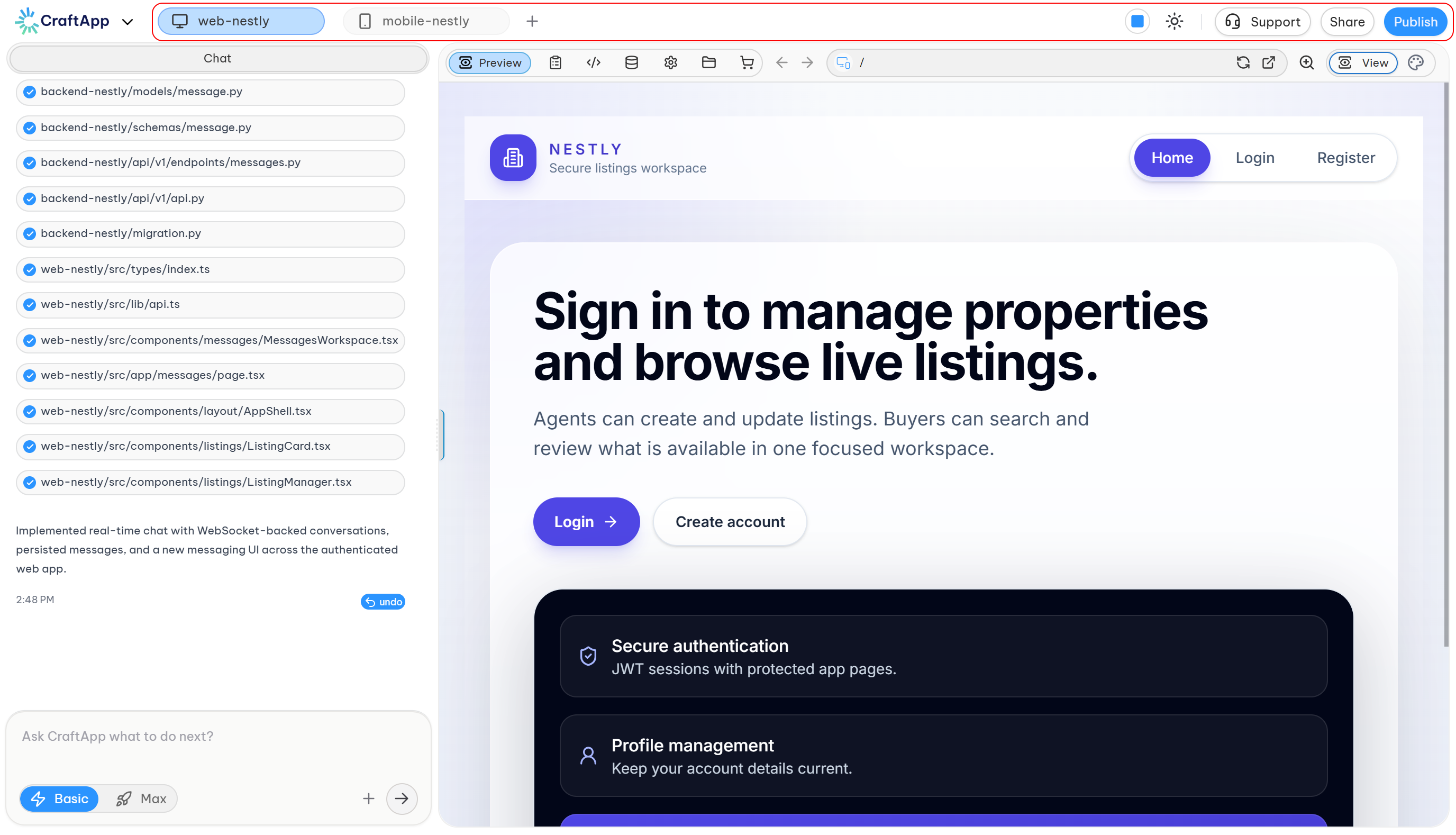
Project Selector,Support, Share, Publish
- Project Selector: Shows the active project (e.g.
web-timetick) with a dropdown to switch projects and a+button to start a new one. - Support, Share, Publish: Quick access to get help, share your project, or publish it live.
2. Left Panel – Chat
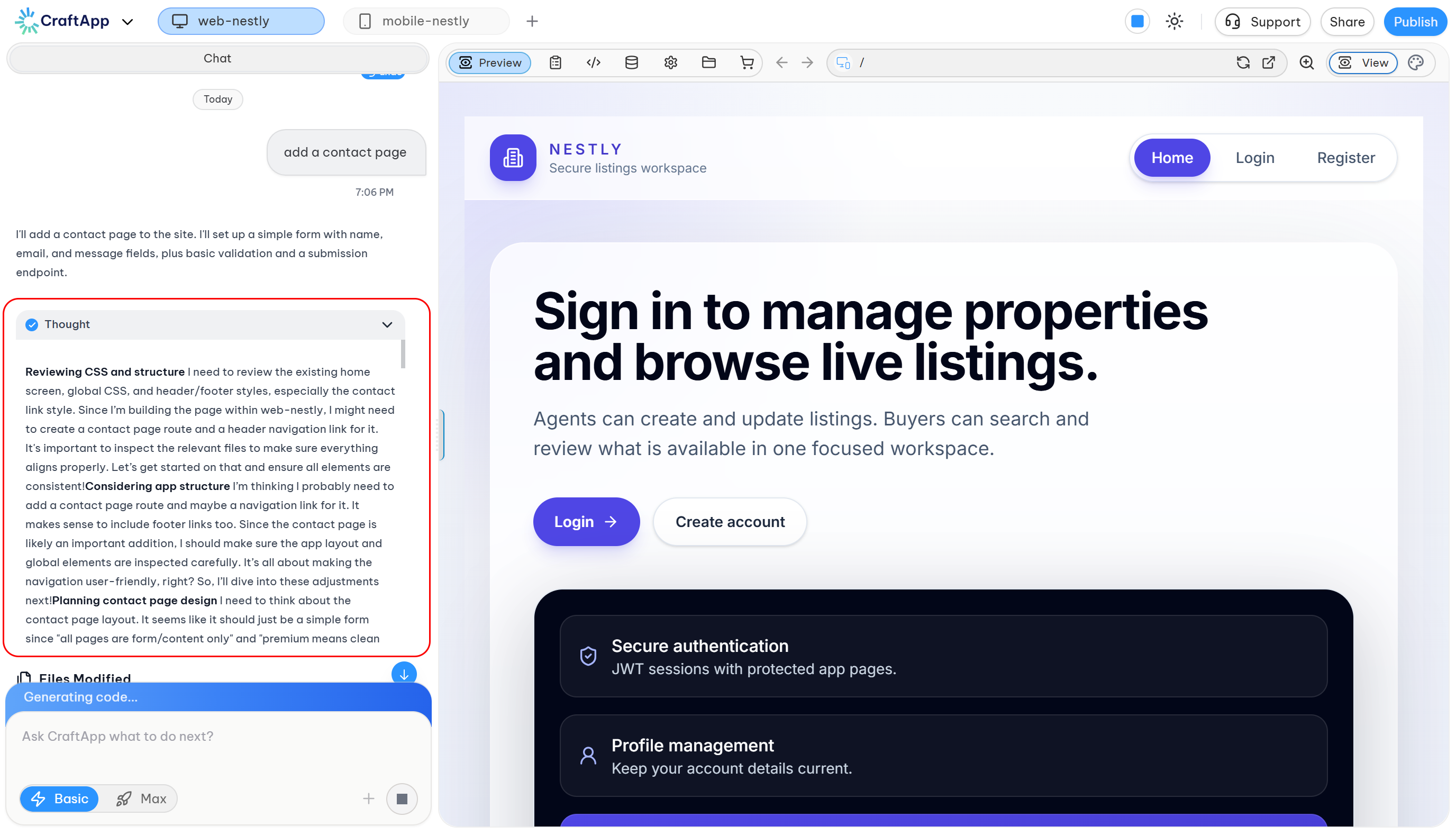
Thought
- Thought: A collapsible section above each response where the AI shows its reasoning before making changes — expand it to see how it approached the request.
- Files Modified: A checklist of the files the AI just created or updated.
- Status Messages: The AI explains what it built and what's next. Completed messages show a timestamp and the cost used for that action (e.g.
7:06 PM · $0.14 Used), so you can track usage as you go. - Input Bar:
Ask CraftApp what to do next?— where you type your next request. - Basic / Max Toggle: Switch between faster, lighter responses (
Basic) and deeper, more thorough ones (Max).
3. Right Panel – Preview
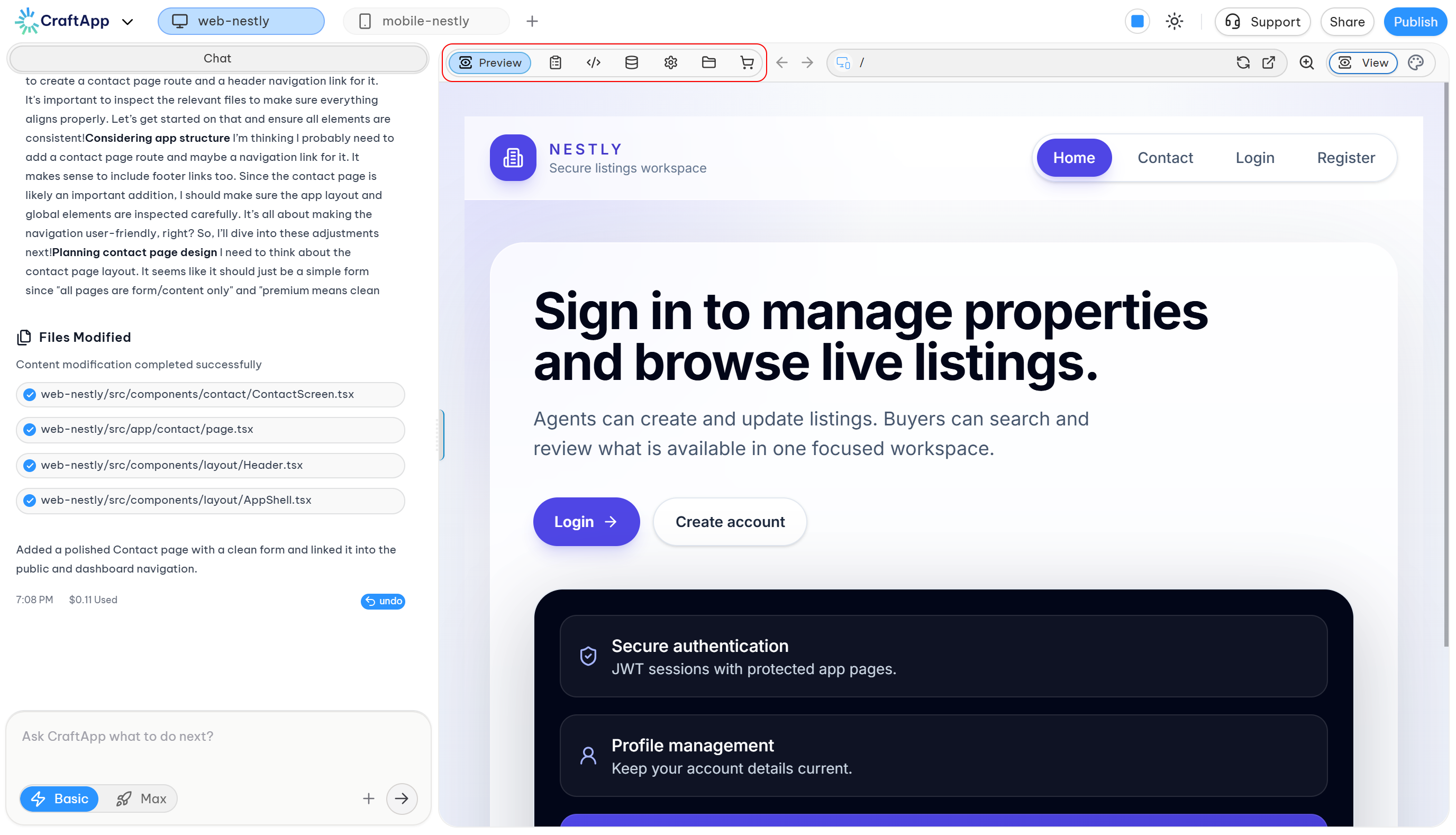
Toolbar Tabs
- Toolbar Tabs:
Preview, plus quick icons for tasks, code, the database, project settings, files, and the marketplace. - Browser Controls: Back and forward navigation, plus a live URL bar showing the current route — so you can click through your app's pages just like a real site.
- Refresh & Open in New Tab: Reload the preview or open it in its own browser tab.
- Zoom: Adjust the preview's zoom level.
- View: Switch between preview display modes.
- Live Preview: Renders your actual web app in real time — no device frame, since it runs directly in the browser.
Workflow
- Describe your app in the chat.
- Check the AI's Thought if you want to see its reasoning before it builds.
- AI builds it, updating files and posting progress in the chat log.
- Preview updates live, with full navigation between routes.
- Refresh, zoom, or pop the preview into a new tab to check it further.
- Keep iterating — ask for more changes in the chat, one step at a time.
Platform Capabilities Highlighted
- Full-Stack Web App Generation (Next.js + FastAPI)
- Browser-Accurate Live Preview with real route navigation
- Transparent AI Reasoning via the Thought log, alongside file-change tracking
- Per-Action Usage Tracking — see the cost of each change as it happens
- Basic / Max Modes to control how much effort the AI puts into each request
- Integrated Workspace — code, database, settings, files, and marketplace all in one place