Forgot Password Process
Secure self-service password recovery in 3 simple steps
Initiate Password Reset
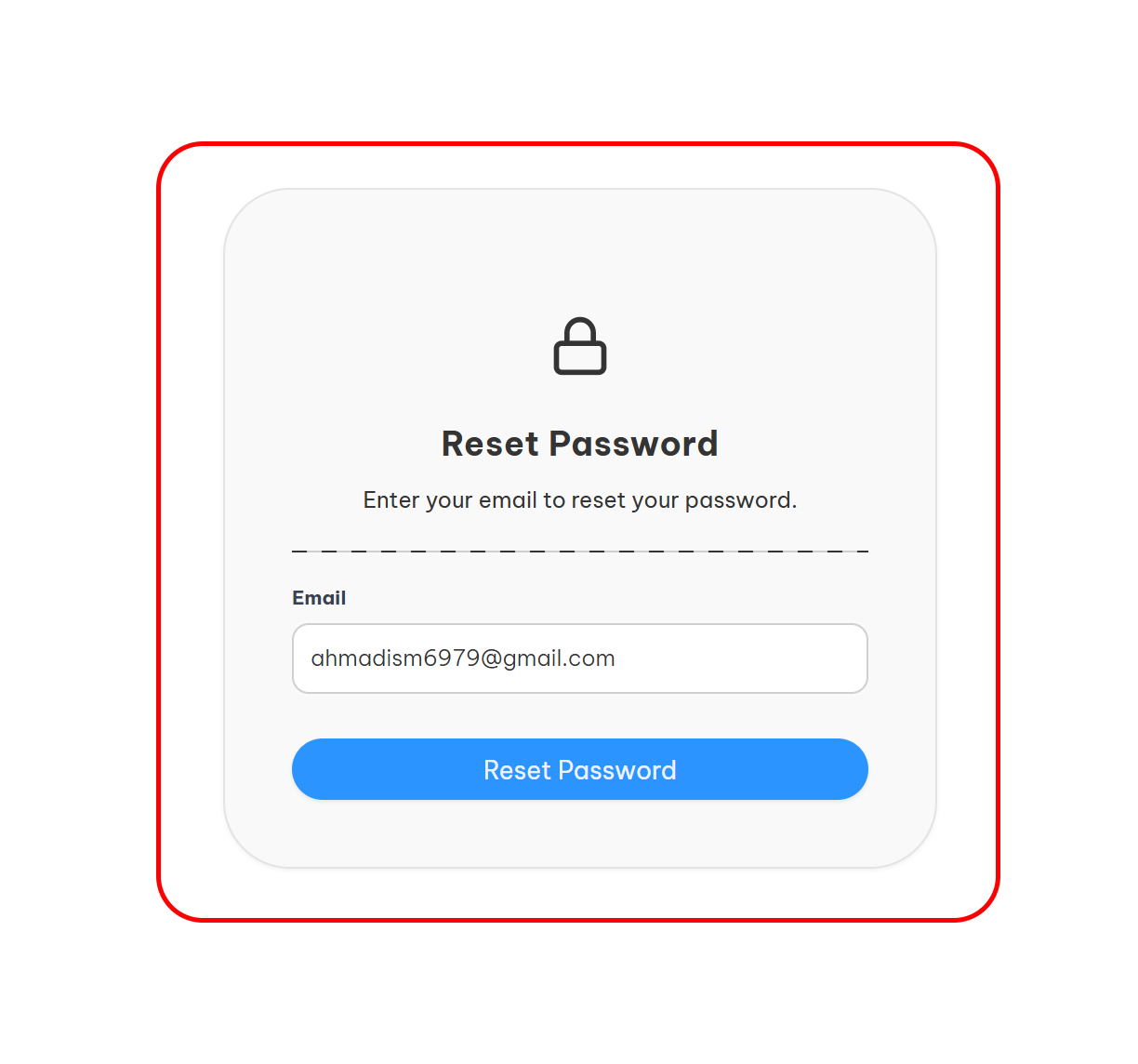
Initiate Password Reset
- On the login page, click Forgot Password link
- Enter your registered email address
- Click Send Verification Code
Note
The email must match your account's registered address. Check spam folder if you don't receive the code within 5 minutes.
Verify Your Identity
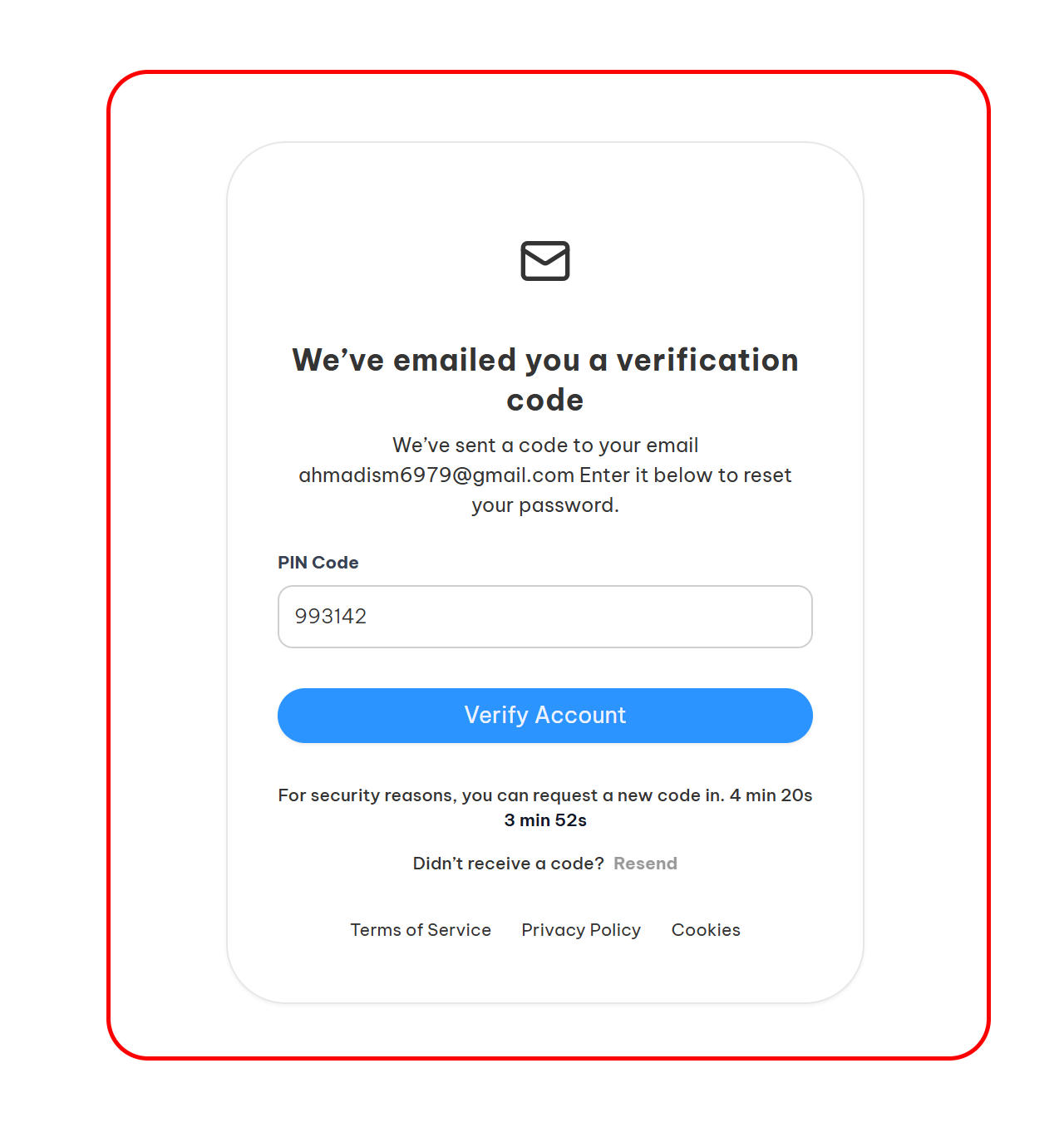
Verify Your Identity
- Check your email for a 6-digit PIN
- Enter the PIN in the verification field
- Click Verify Code
Tip
Verification codes expire after 15 Seconds for security. Request a new code if needed.
Set New Password
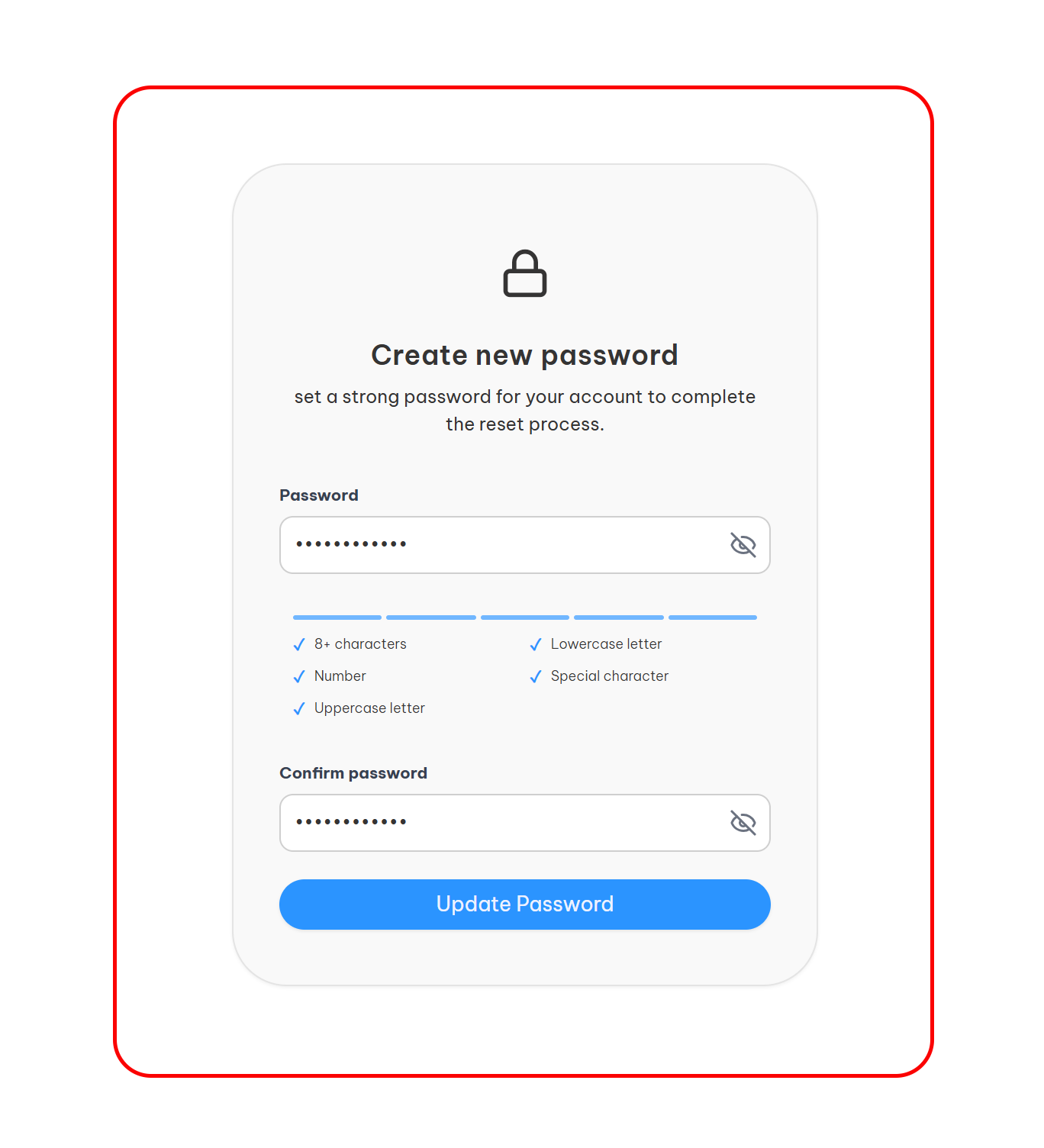
Set New Password
After successful verification:
- Enter your new password
- Re-enter to confirm
- Click Reset Password
Password Requirements
- Minimum 8 characters
- At least 1 uppercase letter
- At least 1 number or special character
- Cannot be same as last 5 passwords
Security Features
- One-Time PIN: Each code can only be used once
- Rate Limiting: Max 3 attempts before lockout
- Auto-Expire: Unused codes invalid after 15 Sec
- Session Protection: Verification required for each step
Troubleshooting
Q: Didn't receive the PIN email?
- Check spam/junk folder
- Verify email address matches registration
- Wait 2-3 minutes and request again
Q: PIN not working?
- Codes are case-sensitive
- Ensure no extra spaces
- Request new code if expired